US & EU Warehouse Shipping | Electric Vehicles & Replacement Parts | Expert Support

Ridstar Q20 Dipslay

CITI ESCOOTER

52V Ridstar Display | Ridstar Q20 Pro Display

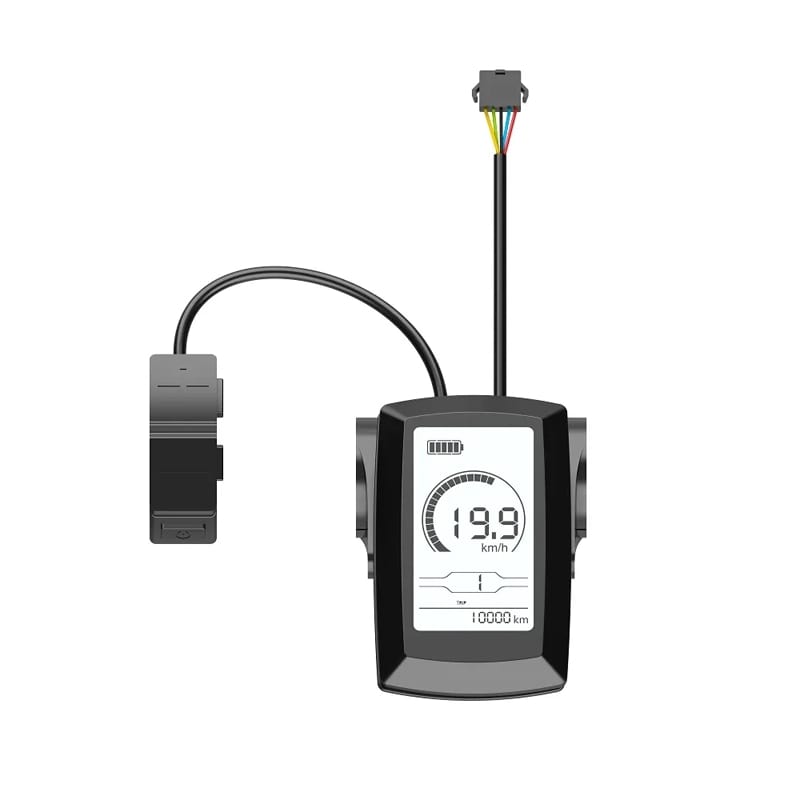
Upgrade your Ridstar Q20 Pro electric bike with direct OEM 52V Ridstar Q20 Pro display. This Ridstar LCD display allows riders to monitor speed, battery level, mileage, pedal assist level, and riding parameters with a clear and responsive interface.

Ridstar Q20 Pro Display 

Before ordering, confirm your Ridstar voltage by Ridstar motor serial number on the hub wheel motor.

52V Ridstar Q20 Pro LCD display is built specifically for Ridstar Q20 Pro electric bikes equipped with a 52V battery system.

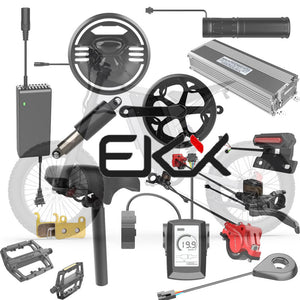
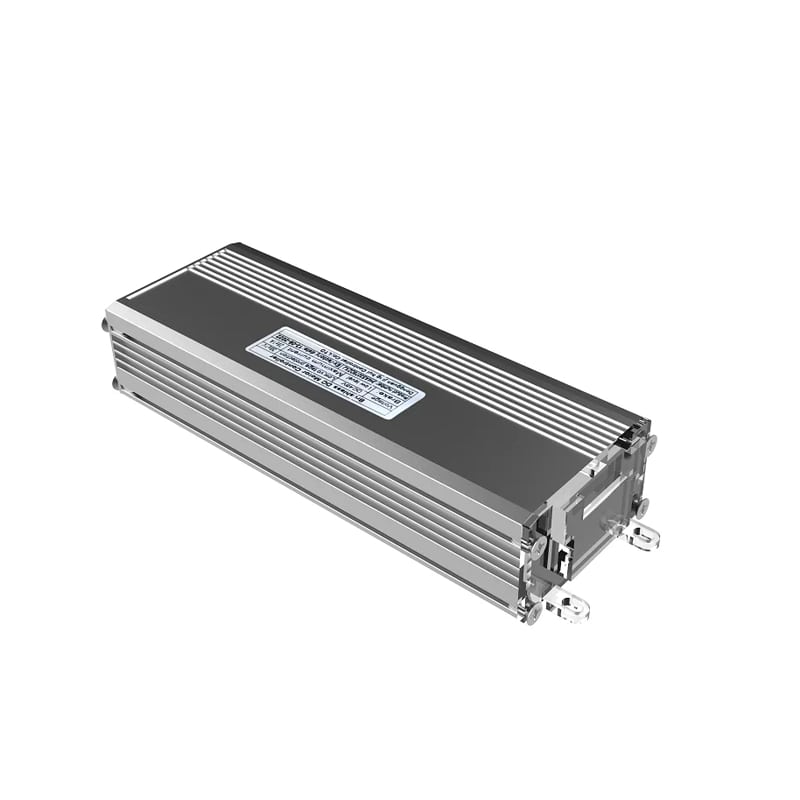
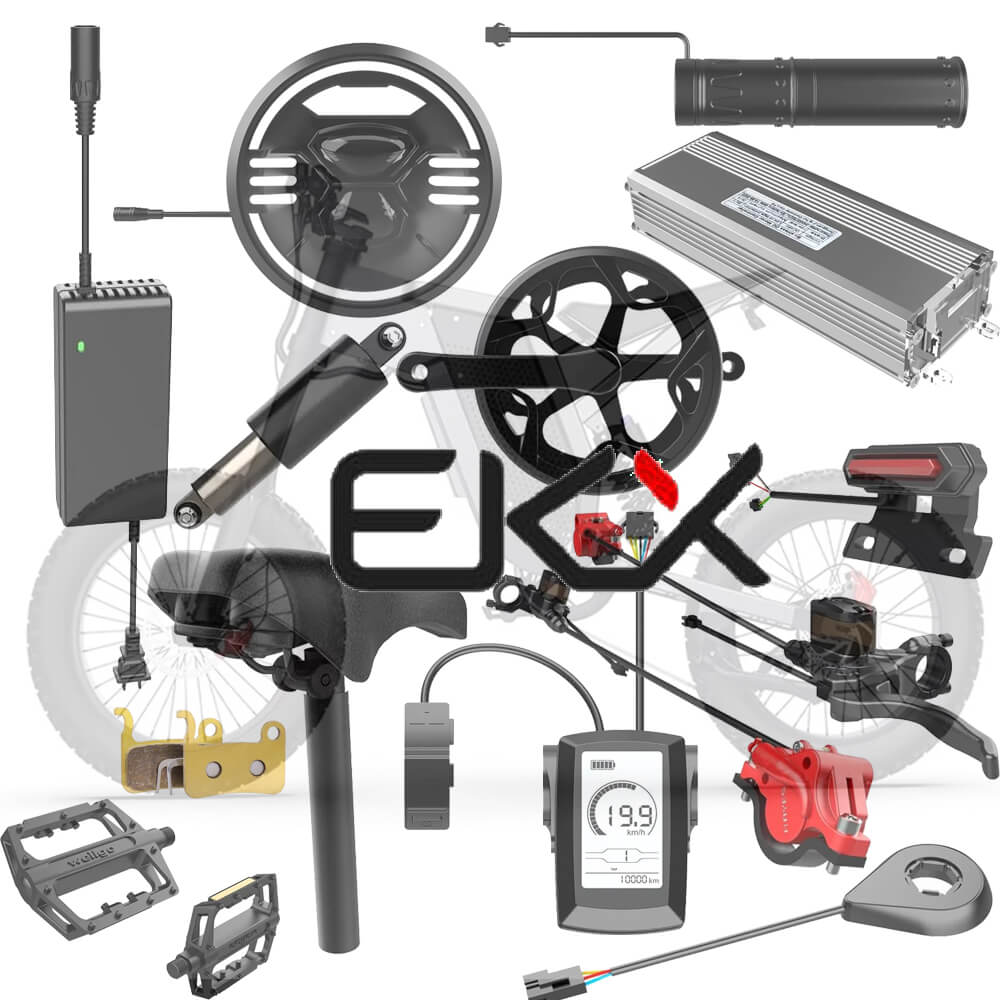
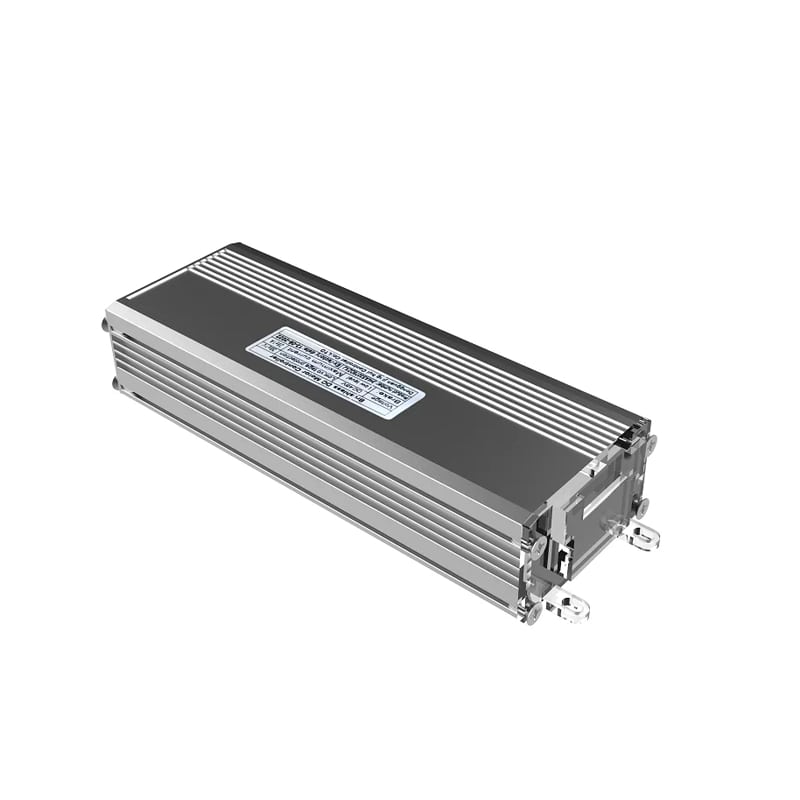
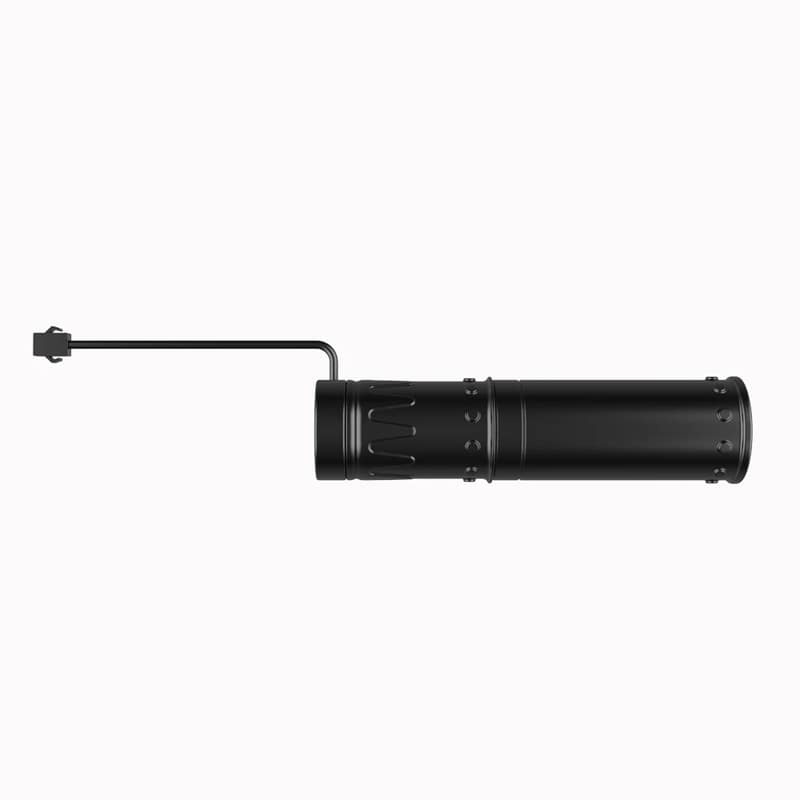
Ridstar Throttle | Ridstar Q20 Motor | Ridstar Controller


    Category: controller, ebike parts, parts, Q20, ridstar, US Stock

    Type: Unknown Type

    Customer Reviews

    Be the first to write a review
    0%
    (0)
    0%
    (0)
    0%
    (0)
    0%
    (0)
    0%
    (0)

    About Ridstar & YVY Electric Bike

    The Ridstar Q20 e-bike has become one of the most popular moped-style electric bikes in North America. Ridstar and YVY models are built around similar electrical architectures, making motor and controller parts interchangeability possible.

    Shared Components Between Ridstar & YVY

    Whether your original screen is damaged, unreadable, or malfunctioning, this Ridstar Q20 Pro display replacement provides a reliable solution to bring your e-bike control system back to optimal performance.

    Ridstar Q20 Display Key Features

    • Compatible with 52V Ridstar Q20 Pro electric bike ONLY
    • Clear LCD screen with excellent visibility
    • Real-time speed, battery, mileage, and PAS information
    • Supports customized riding parameter settings
    • Easy-to-use control buttons
    • Reliable replacement for damaged factory displays
    • Helps restore original riding performance

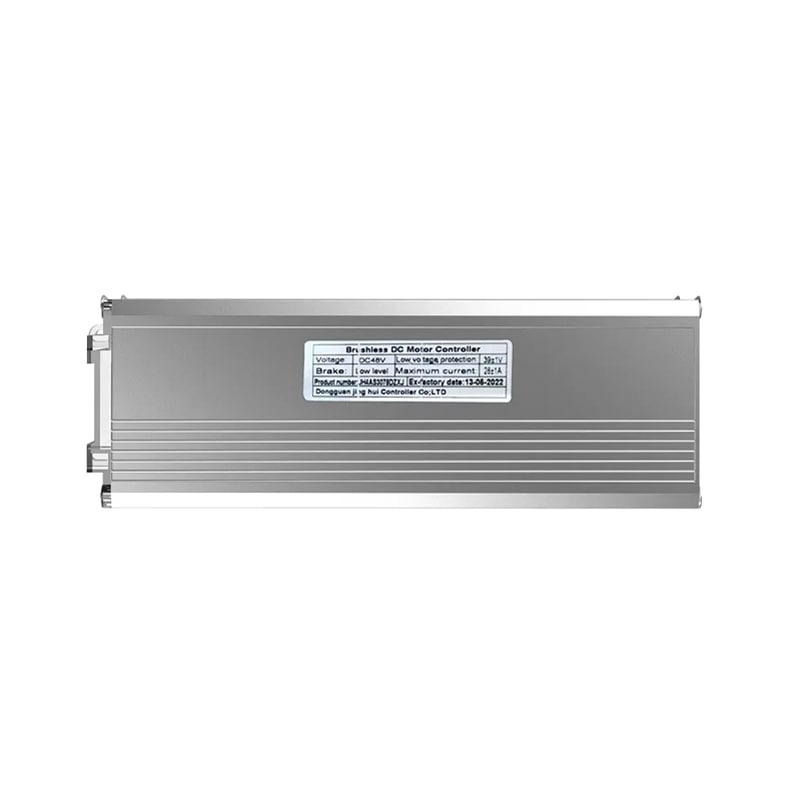
    Ridstar Q20, Q20 Pro Controller

    Ridstar Controller Compatibility: Designed for Ridstar Q20 Mini, Ridstar Q20 Lite, 1000W Ridstar Q20 and 52V Ridstar Q20 Pro.

    Ridstar Q20 Top Speed:

    • Ridesatr Q20 Lite: 1000W 48V 15Ah | 25 Mph (40 Kph)
    • Ridstar Q20: 1500W 48V 20Ah | 30 Mph (50 Kph)
    • Ridstar Q20 Pro: 2000W 52V 40Ah | 35 Mph (55 Kph)

    100% Factory authentic parts ensures originality and easy installation.

    Ridstar Q20 Pro Settings

    Ridstar Q20 Pro Electric Bike Display Settings allow riders to personalize their riding experience. By entering the display menu, users can adjust important parameters for better control and performance.

    Ridstar Q20 Pro Display Error Codes

    Error Code Description
    E001 Controller failure
    E002 Communication failure
    E003 Hall sensor failure
    E004 Throttle failure
    E005 Brake failure
    E006 Motor phase failure

    How to Access Ridstar Q20 Pro Settings

    To enter the Ridstar Q20 Pro settings menu:

    1. Turn on your Ridstar Q20 Pro by pressing and holding the Power button until the display turns on.
    2. Press and hold the + and – buttons together for more than 2 seconds to enter the personalized parameter interface.
    3. Press + / – to select different settings.
    4. Press the i button to enter the selected parameter.
    5. Adjust values using the + / – buttons.
    6. Press i to save changes.
    7. Long press i to exit the settings menu.

    Adjustable Ridstar Q20 Pro Display Parameters

    P1 – Unit Setting

    Choose your preferred measurement system: 00 = Metric (km/h) | 01 = Imperial (mph)

    P2 – Battery Voltage Setting

    Select battery voltage:

    • 24V
    • 36V
    • 48V
    • 52V

    For the Ridstar Q20 Pro 52V model, select 52V for accurate battery display.

    P3 – PAS Level Setting

    Customize pedal assist levels:

    • 0–3
    • 1–3
    • 0–5
    • 1–5
    • 1–7
    • 0–7
    • 0–9
    • 1–9

    P6 – Speed Limit Setting

    Adjust maximum speed range: 1–100 km/h

    P7 – Startup Mode

    Choose throttle activation mode:

    • 00 = Zero start
    • 01 = Non-zero start

    P8 – Drive Mode

    Select motor assistance mode:

    • 00 = Pedal assist only
    • 01 = Electric throttle only
    • 02 = Pedal assist + throttle

    P9 – PAS Sensitivity

    Adjust pedal assist response:

    • Lower setting = faster motor activation
    • Higher setting = more pedal rotation required

    Range: 1–24

    PA – PAS Strength

    Adjust pedal assist power:

    • 0 = Lowest assistance
    • 5 = Maximum assistance

    PC – Controller Current Limit

    Adjust controller output: Range: 1–50A

    PF – Auto Sleep Time

    Set automatic display shutdown:

    • 1–60 minutes
    • 00 = Disable auto sleep

    Fast Shipping

    We provide:

    ✔ Secure packaging
    ✔ Complete replacement parts
    ✔ Installation support
    ✔ Customer service assistance


    Warranty Support

    Warranty coverage includes:

    ✔ Manufacturing defects
    ✔ Hydraulic brake system issues
    ✔ Component quality problems

    Warranty does not cover:

    • Crash damage
    • Incorrect installation
    • Normal brake pad wear
    • Damage caused by modification

    Related Items